

Your smartphone isn’t just a phone anymore—it’s your bank, your photo album, your diary, your entire digital life in one pocket-sized device. In 2026, with AI-powered phishing, voice-cloning scams, and zero-click malware on the rise, one weak link can cost you everything. Yet most people still treat phone security like an afterthought.
What if a single overlooked setting could stop a hacker in their tracks? What if the basics you ignore today are exactly what cybercriminals are counting on tomorrow?
In this ultimate guide to smartphone security basics, you’ll discover 15 practical, no-nonsense tips that work for both iPhone and Android users. These aren’t complicated tech tricks—they’re simple habits and settings that deliver massive protection. Implement them today, and you’ll sleep better knowing your data is locked down tight.
Smartphone Security Basics in 2026: 15 Essential Tips to Protect Your Phone
1. Lock Your Screen Like Your Life Depends on It (Because It Does)
Forget simple 4-digit PINs or “123456.” In 2026, use a strong alphanumeric passcode (at least 6 characters with letters, numbers, and symbols) combined with biometrics—Face ID, fingerprint, or the latest facial recognition.

How to do it:
See More Posts in Jobs, Scholarships, Technology, Career/Motivations, Football News Feeds
Join Job Whatsapp Channel, Scholarship Whatsapp Channel, Tech Whatsapp Channel, Follow Our Twitter (X) Channel.
- On iPhone: Settings > Face ID & Passcode (or Touch ID).
- On Android: Settings > Security > Screen lock.
Set your phone to auto-lock after 30 seconds of inactivity. Enable “Theft Detection Lock” on newer Android devices—it uses AI to lock if it senses suspicious movement (like a thief grabbing it).
Pro tip: Never use your birthday or kids’ names. Hackers know those.
2. Turn On Automatic Updates—They’re Your Free Bodyguard
Outdated software is a hacker’s best friend. Every iOS and Android update patches critical vulnerabilities that cybercriminals exploit within hours.
Go to Settings > General (iOS) or Settings > System > System Update (Android) and enable automatic updates. Do the same for apps. It takes zero effort and closes doors faster than you can say “zero-day exploit.”
3. Ditch Passwords for Passkeys and a Password Manager
Passwords are officially old news. Switch to passkeys wherever supported—they’re cryptographic keys tied to your device and biometrics, nearly impossible to steal.
Use a reputable password manager (like 1Password, Bitwarden, or the built-in options in iOS/Android) to generate and store unique, complex passwords for everything else. Enable it across devices for seamless autofill.

4. Enable True Multi-Factor Authentication (Not Just SMS)
SMS codes? Hackable via SIM swapping. Use authenticator apps (Google Authenticator, Authy) or hardware keys instead. Better yet, go passwordless with passkeys + biometrics.
For banking, email, and social apps, turn on MFA everywhere. It blocks 99.9% of automated attacks.
5. Download Apps Only from Official Stores—and Vet Permissions Ruthlessly
Sideloading or third-party stores = massive risk. Stick to Google Play or Apple App Store.
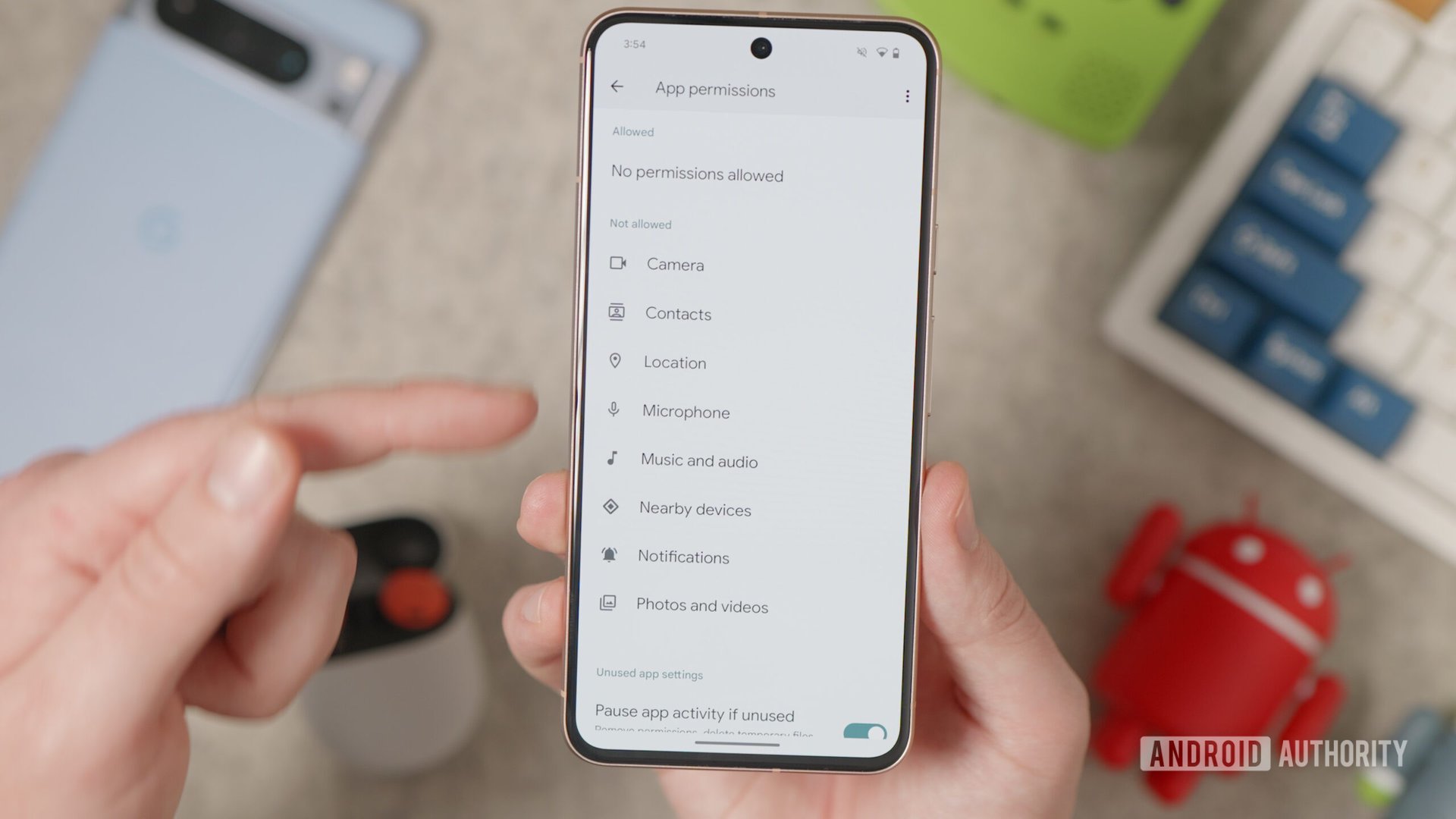
Then, immediately review permissions:
- Settings > Apps > App permissions (Android) or Settings > Privacy & Security (iOS).
- A flashlight app doesn’t need your contacts or microphone. Revoke it.
Delete unused apps—they’re just extra attack surfaces.
6. Never Use Public Wi-Fi Without a VPN
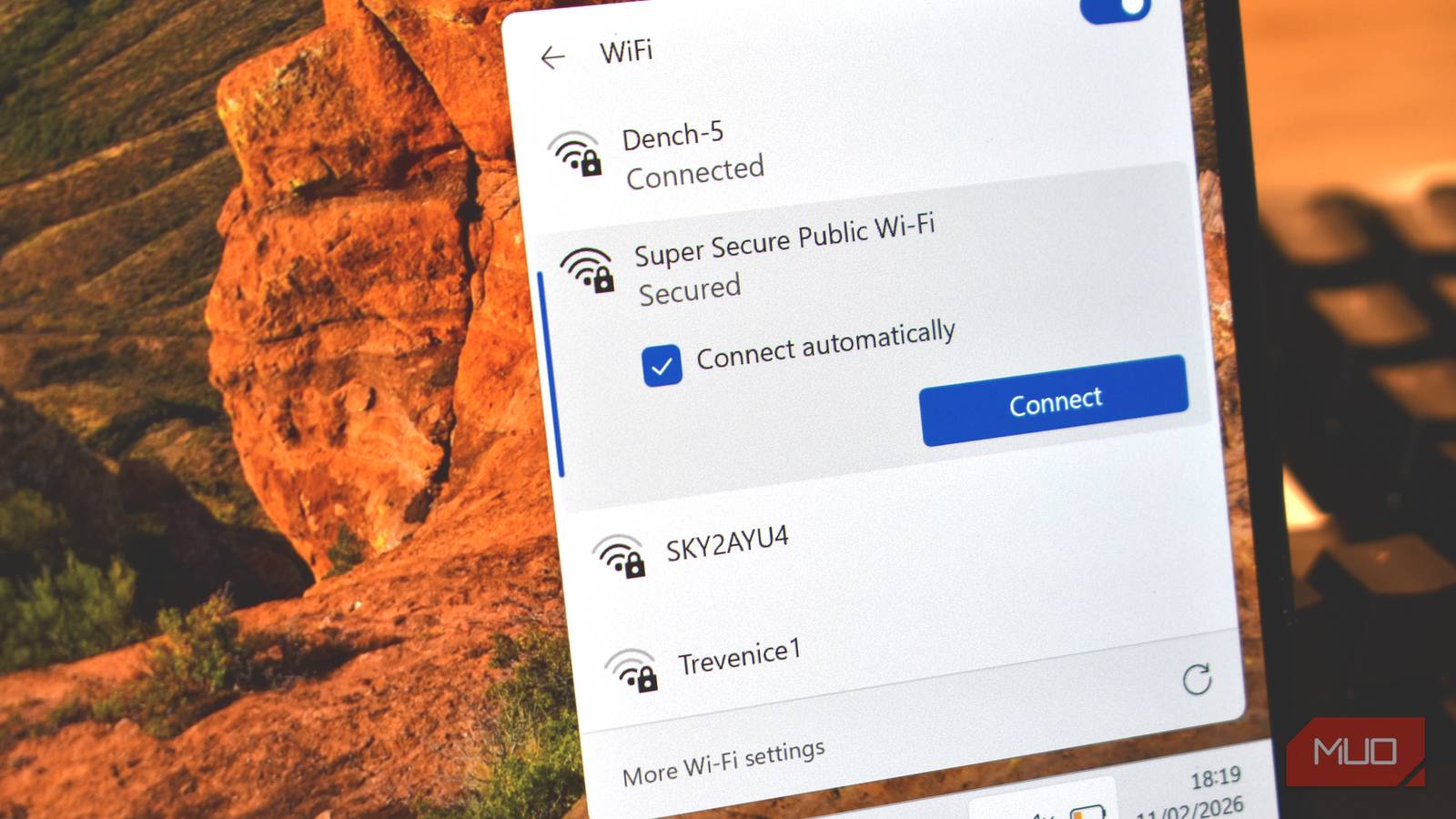
Coffee shop Wi-Fi is a hacker playground. A good VPN (like ProtonVPN, ExpressVPN, or Mullvad) encrypts your entire connection so snoopers see nothing.
Turn it on automatically for public networks. In 2026, many phones even have built-in private relay or secure Wi-Fi features—enable them.
7. Activate Remote Lock, Wipe, and Tracking
Lose your phone? No panic.
- iPhone: Enable Find My iPhone (with “Send Last Location” and “Erase Data” after 10 failed attempts).
- Android: Google Find My Device + Theft Detection Lock.
You can locate, lock, or remotely wipe your device from any browser. Turn on full-disk encryption (it’s usually automatic now).
8. Spot Phishing and Smishing Before You Click
AI makes scams scarily convincing—voice clones, deepfake videos, personalized texts. Never click links in unsolicited messages. Verify by calling the real number or visiting the official site directly.
Look for red flags: urgency (“Act now or lose access!”), poor grammar, or requests for codes/passwords. Enable call screening and spam filters on your phone—they’ve gotten incredibly smart in 2026.
9. Use End-to-End Encrypted Messaging
Default SMS is not secure. Switch to Signal, WhatsApp (with disappearing messages), or iMessage for sensitive chats. Turn on disappearing messages for extra peace of mind.
10. Secure Your SIM Card and Watch for Swaps
Set a SIM PIN in your carrier settings. Monitor your accounts for sudden “new device” logins or unexpected carrier texts. If you suspect a swap, contact your carrier immediately.
11. Review and Limit Location, Camera, and Microphone Access
Go to Privacy settings and turn off always-on access for non-essential apps. Use “While Using the App” or “Ask Every Time” instead.
Disable “Improve AI models” or “Use data for training” in any AI assistant settings—your voice notes and prompts could be stored forever otherwise.
12. Back Up Your Data the Smart Way
Use encrypted cloud backups (iCloud with Advanced Data Protection or Google Backup) plus a local computer backup. Test restores occasionally. If your phone is wiped by ransomware or theft, you’re not starting from zero.
13. Enable Advanced Built-in Protections (2026 Edition)
- Android: Advanced Protection Mode, Private Space for sensitive apps, Auto Blocker.
- iOS: Lockdown Mode (for high-risk users), Stolen Device Protection, Message Guard for zero-click image attacks.
These are free, powerful, and often one-tap away in Settings > Security.
14. Treat Physical Security Seriously
Don’t leave your phone unattended in public. Use a tracking tile if you travel a lot. Avoid public USB charging stations (they can inject malware—use your own cable or wireless charging).
15. Run a Quick Security Audit Monthly
Spend 5 minutes once a month:
- Check for updates
- Review app permissions
- Scan with built-in tools (or a reputable mobile antivirus like Malwarebytes if you want extra layers)
Set a recurring calendar reminder. Security isn’t a one-time thing—it’s a habit.
Your 2026 Smartphone Security Checklist (Print or Bookmark This!)
- Strong screen lock + biometrics
- Automatic updates enabled
- Passkeys + password manager
- MFA (non-SMS) everywhere
- Official apps only + permission audit
- VPN on public networks
- Find My / remote wipe active
- Phishing awareness habits
- Encrypted messaging
- SIM PIN set
Final Thought: Security Is Freedom
Implementing these smartphone security basics doesn’t take technical wizardry—just consistency. In 2026, the hackers are faster, smarter, and more persistent than ever. But you can be smarter.
Take 15 minutes right now and knock out the first three tips on this list. Your future self (and your bank account) will thank you.
What’s one security step you’re adding today?
Stay safe out there. Your data is worth protecting.
Check this: 2026 Smartphone Buying Guide: How to Choose the Right Phone for Your Needs (Without Wasting a Single Dollar)
FAQs About Smartphone Security Basics
Q: What is the single most important smartphone security basic? A: A strong screen lock combined with biometrics and auto-lock. It’s your first and often only line of defense against physical theft.
Q: Do I really need a VPN on my phone? A: Yes—especially on public Wi-Fi, travel, or any time you’re not on your home network. It’s cheap insurance.
Q: Are Android or iPhone more secure in 2026? A: Both are excellent when updated and configured properly. The user is usually the weakest link, not the platform.
Q: Can antivirus apps actually help on phones? A: They’re useful as a second layer (especially for Android), but the tips above are far more important than any scanner.
Q: How do I know if my phone has been hacked? A: Unusual battery drain, strange pop-ups, apps you didn’t install, or unexpected data usage. Run a security check and change passwords immediately.
Ready to level up your phone security? Share this guide with friends and family—they need it too.